Translated, not copied
The original was a Marshall stack. You have a 50-watt modeler. RigMatch converts the tone to what your amp can actually do.
Now on iPhone · Android coming soon
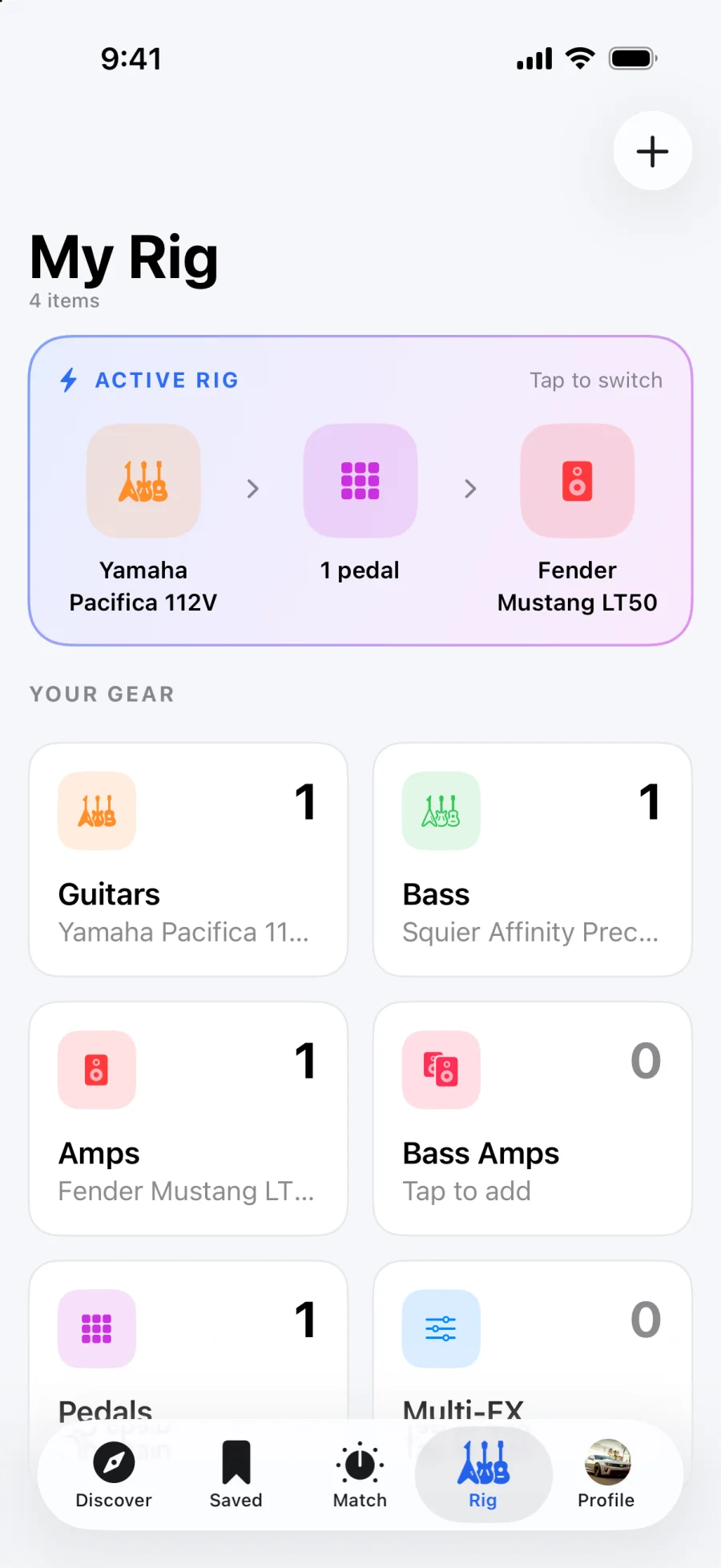
Tell RigMatch what you play through, pick a song and part, and get the exact amp knobs, channel, pickup and pedal settings to get there, translated for your gear instead of the artist's.
How it works
No forum threads, no guessing at an amp you don't own. Three steps, about a minute.
Step 1
Your guitar or bass, your amp, and whatever pedals or multi-FX you own. Do it once; RigMatch remembers.
Step 2
Search any song, or grab one from Discover. Choose the riff, rhythm or solo you want to nail.
Step 3
Get a preset and channel, every amp knob, pickup position, guitar tone and volume, and pedal settings.
Sample result
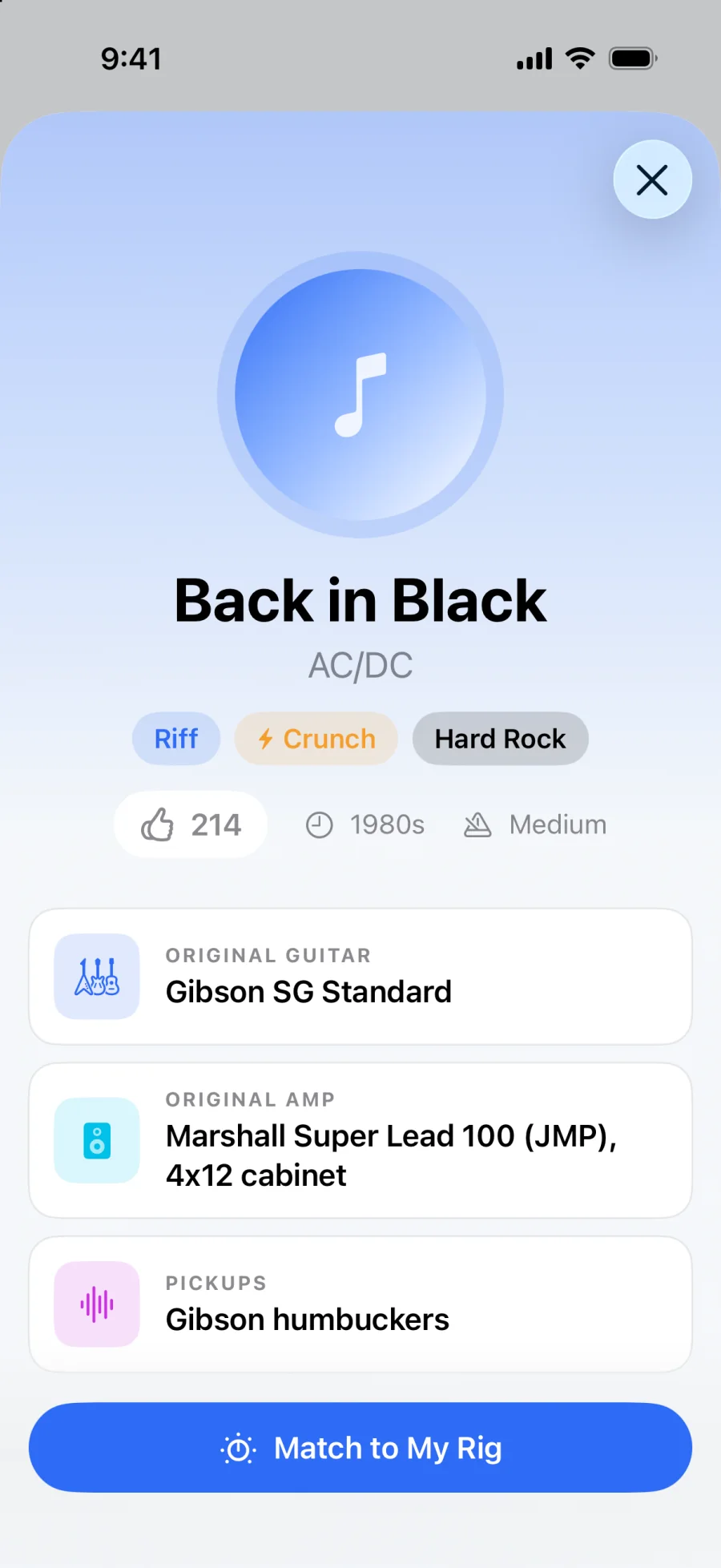
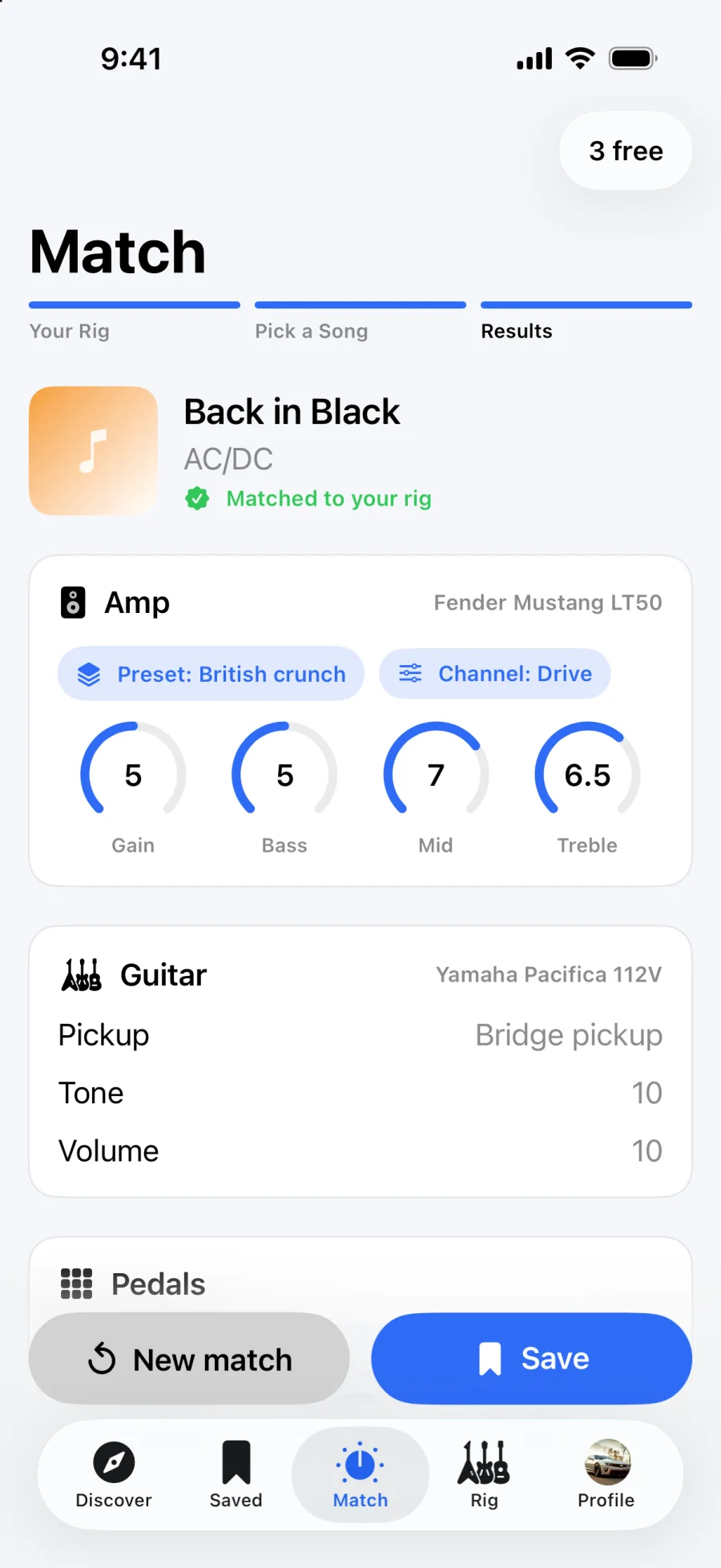
Back in Black · Main riff
AC/DC → Yamaha Pacifica + Fender Mustang LT50
Amp
Guitar
Pedals
Features
Tabs tell you the notes. RigMatch tells you where to set the knobs.
The original was a Marshall stack. You have a 50-watt modeler. RigMatch converts the tone to what your amp can actually do.
Gain, bass, mid and treble, plus the right preset and channel, so you're not starting from noon on everything.
Pickup selector, tone and volume settings for the instrument in your hands, including coil-split options.
Drive, boost, modulation, delay and reverb mapped to the pedals you own, or to your multi-FX unit.
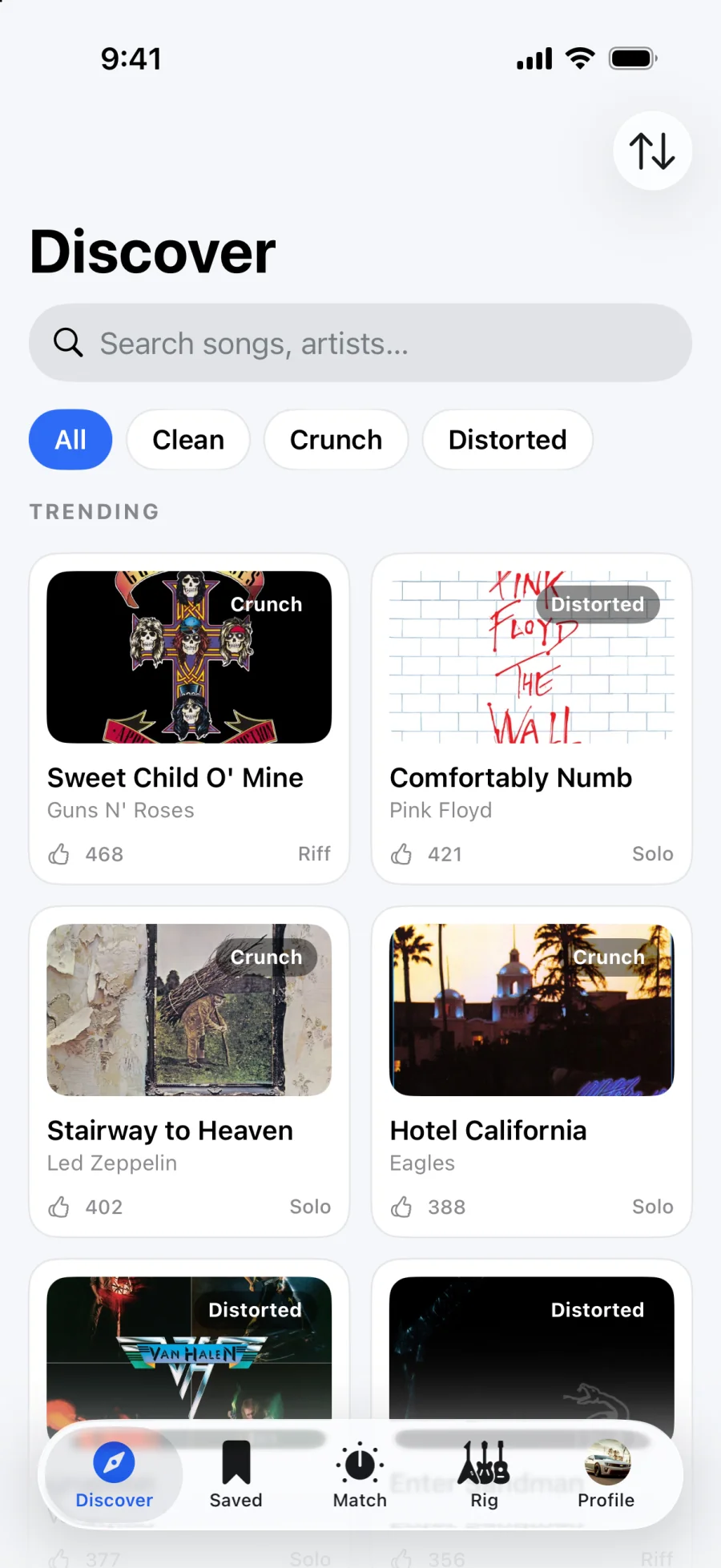
A feed of riffs and solos players love, tagged Clean, Crunch or Distorted with era, genre and difficulty.
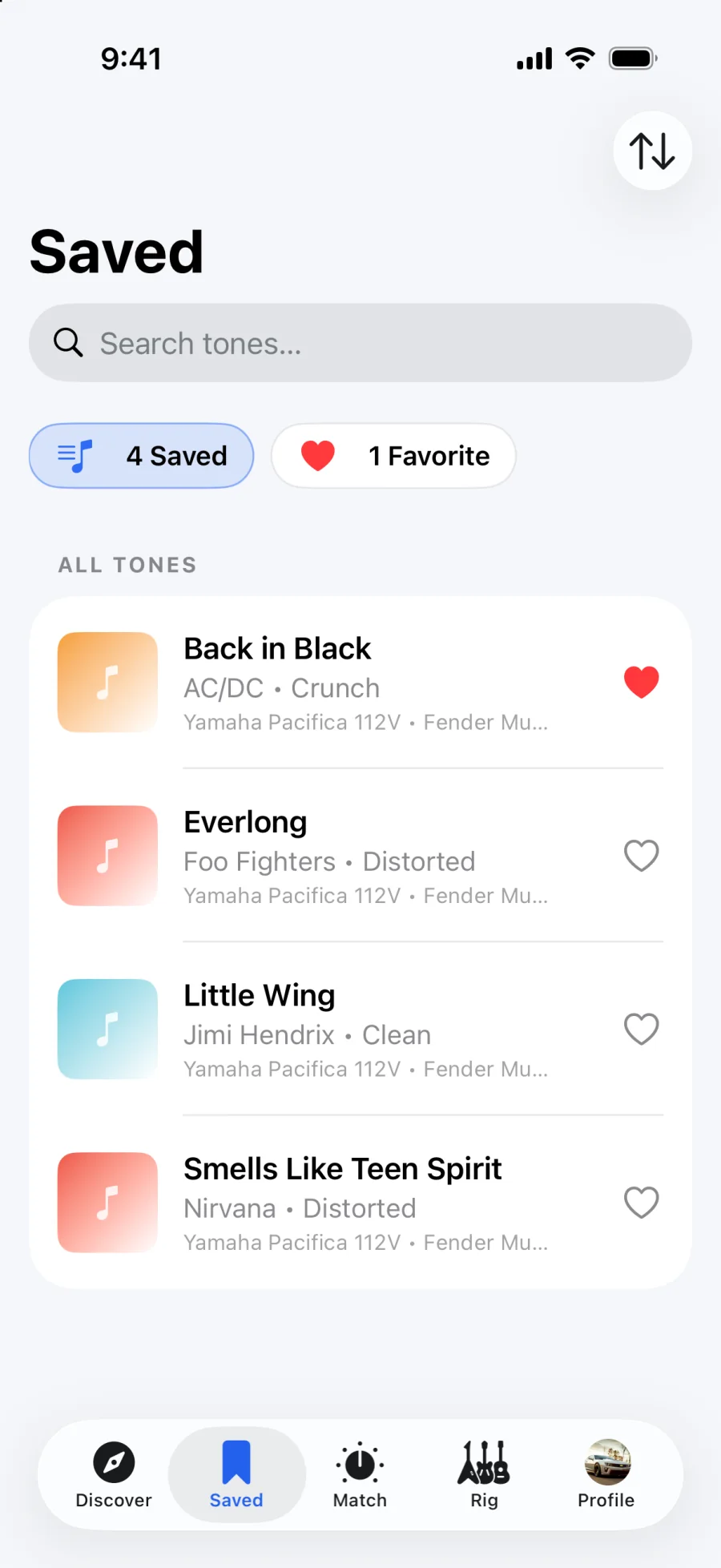
Every match lands in your library with the rig it was made for. Favorite your setlist and find it fast.
Take the tour
Results
Preset, channel, gain, bass, mid and treble for your amp, then pickup, tone and volume for your guitar, then pedals.
Why RigMatch
The usual way
With RigMatch
Settings written for the artist's exact amp
Settings translated to your amp and guitar
Contradicting forum threads and comments
One clear answer for every knob
Rewatching rig rundowns frame by frame
The original rig summarized on one screen
Pedals you'll never buy
Effects mapped to pedals you already own
Gear compatibility
From a first practice amp to a pedalboard you've spent years on. Add what you own and every match adapts to it.
Guitars
Strat, Les Paul, SG, Pacifica
Basses
P-Bass, Jazz Bass, StingRay
Amps
Tube, solid-state, modeling
Bass amps
Combos and heads
Pedals
Drive, fuzz, delay, reverb
Multi-FX
Floor units and modelers
Brand names are trademarks of their respective owners and are listed for compatibility only. RigMatch is not affiliated with them.
Pricing
Your first three matches are on us. Pro starts with a 7-day free trial, cancel anytime in your App Store settings.
See how it sounds on your gear.
$0
For the gig coming up.
$5.99/month
For players who never stop learning songs.
$29.99/year
That's about $2.50 a month
Prices in USD; local App Store pricing may vary. Payment is charged to your Apple ID after the trial and renews automatically unless cancelled at least 24 hours before the period ends.
FAQ
For the song and part you pick, you get a starting point for your exact rig: amp preset and channel, gain, bass, mid and treble, your guitar's pickup position, tone and volume, and settings for your pedals or multi-FX.
No, that's the point. RigMatch looks at the original rig and translates the tone to the guitar, amp and pedals you own, whether that's a modeling combo or a tube head.
Yes. Switch the match to Bass and add your bass and bass amp to your rig. Basses and bass amps have their own categories.
A quick free one, created inside the app with Apple, Google or email, so your rig and saved tones stay with you. There's nothing to sign up for on this website.
Everyone gets 3 free matches. RigMatch Pro ($5.99/month or $29.99/year) unlocks unlimited matches and starts with a 7-day free trial. Cancel anytime in your Apple ID subscription settings before the trial ends and you won't be charged.
It's in development and coming to Google Play. iPhone is available today on the App Store.
It gets you very close and saves the guesswork, but strings, pickups, room and speaker all play a part. Treat the numbers as your starting point and trust your ears for the last 5%.
Email cortexlumora@gmail.com and a real person will get back to you.
Three free matches, and your amp dialed in before the intro ends.